What Most Church Management Software Gets Wrong
 ·
·
4 min read
·
·
4 min read
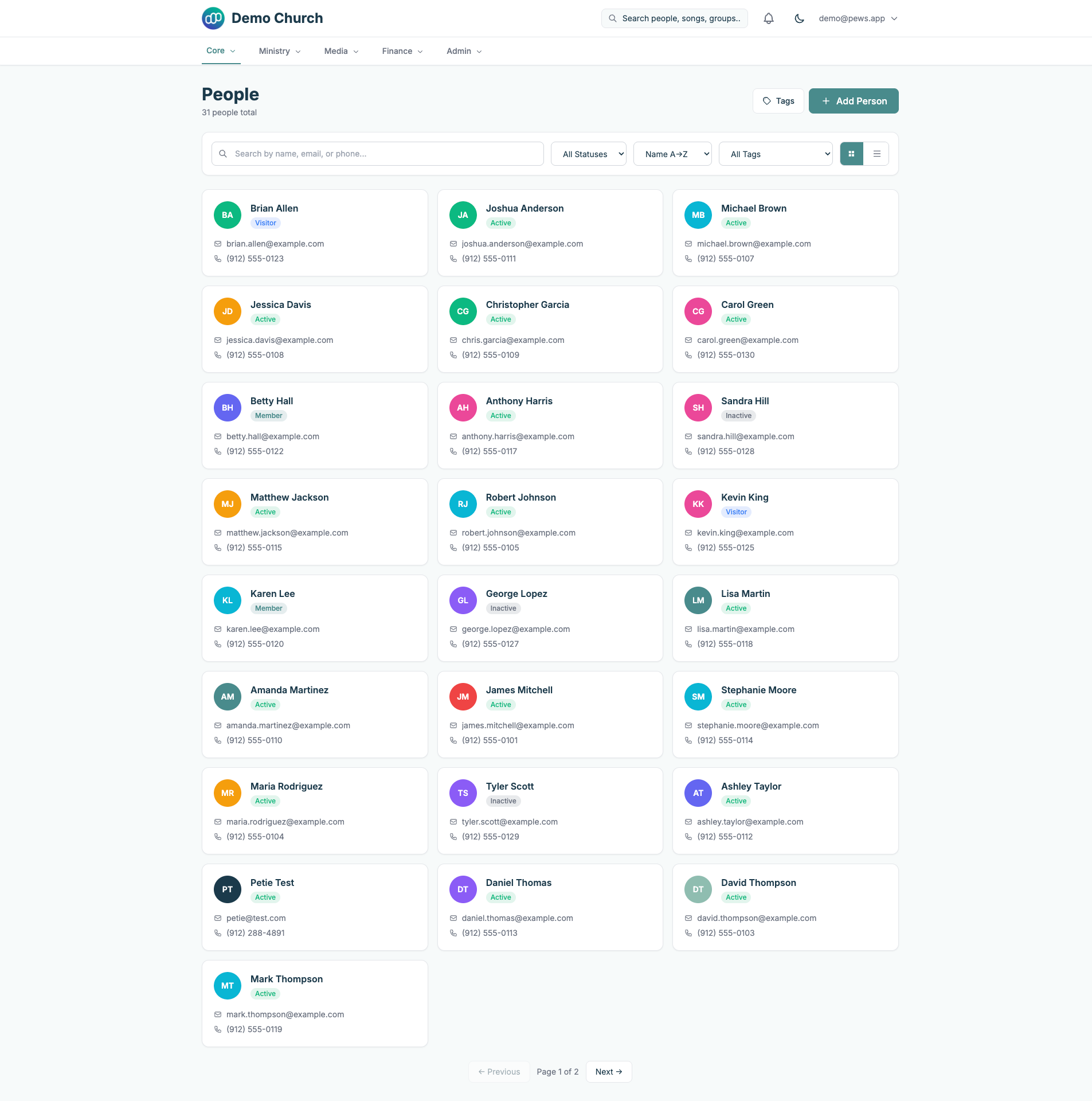
Most churches run their entire operation on a patchwork of free tools. Google Sheets for the directory, Venmo or Cash App for giving, GroupMe for volunteer coordination, and a shared Google Calendar that nobody remembers to update.
It works. Until it doesn't.
I've been involved in church tech for years, from running livestreams to managing our small group ministry. And I've watched the same pattern play out everywhere: churches start small, cobble together free tools, and by the time they realize they need something better, migrating feels impossible.
Here's what I've learned about what churches actually need from technology, and what most church software gets wrong.
The Free Tool Trap
Free tools aren't free. They cost time.
When your member directory is a Google Sheet, every new family means manually adding rows, remembering to update phone numbers, and hoping nobody accidentally deletes the wrong cell. When giving is through Venmo, your treasurer is manually reconciling payments every month and building tax statements in Excel.
I ran the numbers for our church. Between data entry, reconciliation, and communication, our admin team was spending roughly 8-10 hours per week on tasks that software could handle in seconds. At even a modest value of $20/hour, that's $800-1,000/month in hidden labor costs.
Suddenly $100/month for proper software sounds like a bargain.
What I Look for in Church Software
After evaluating pretty much everything on the market (Planning Center, Breeze, Church Community Builder, Tithely, Subsplash, Pushpay), here's what matters most:
1. It Has to Be Simple
The person using this software is probably not technical. They're a volunteer, a pastor's spouse, or a part-time admin. If the learning curve is more than an afternoon, adoption dies.
2. Giving Needs to Be Frictionless
Online giving is the single highest-ROI feature for any church. Studies show that churches offering online giving see 32% higher donations on average. But it needs to work on mobile without downloading an app, it needs recurring giving, and it needs to generate tax statements automatically.
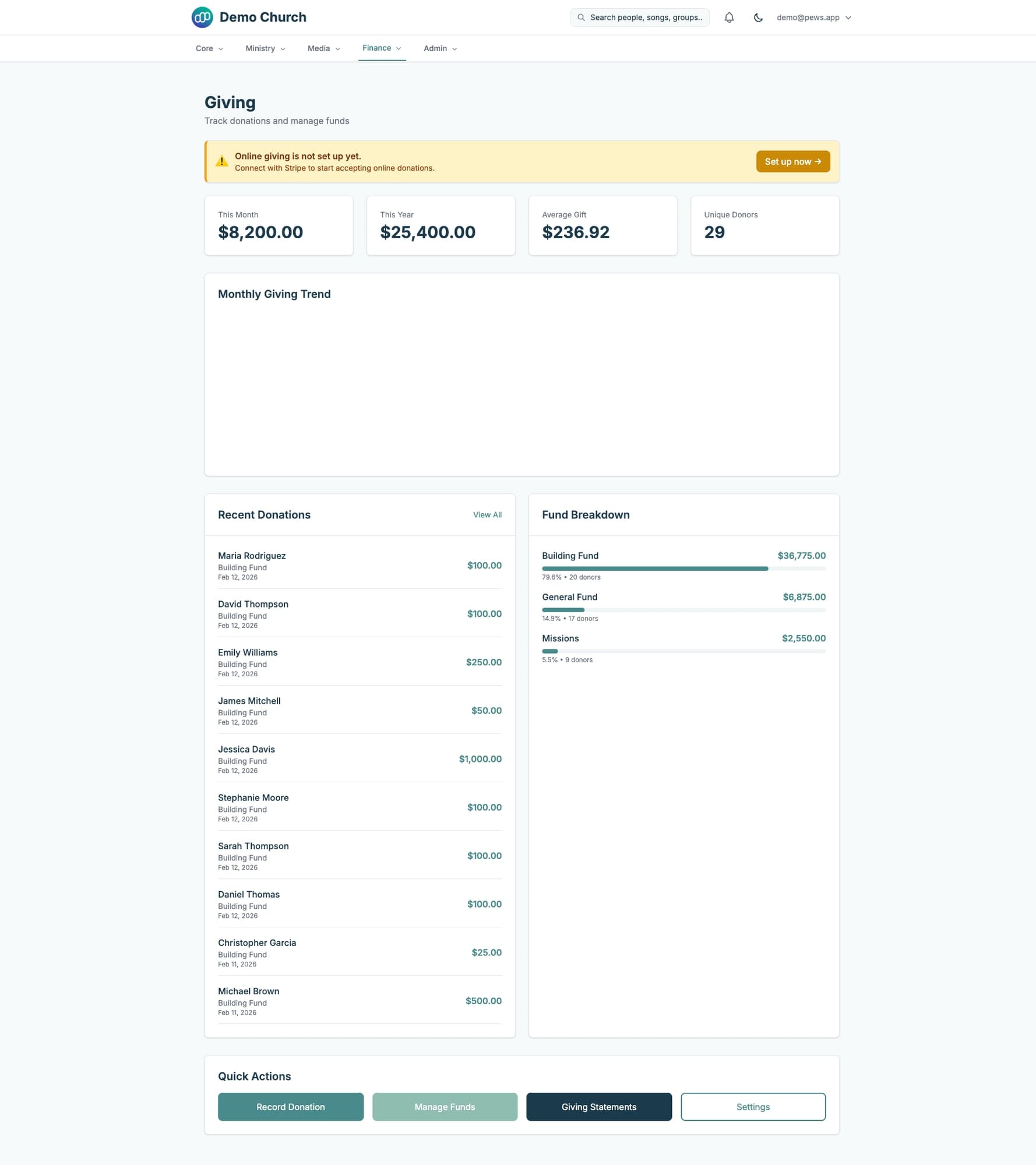
This is the giving module in Pews, the platform I'm building. Monthly totals, fund breakdowns, recent donations, and one-click access to giving statements. The setup connects through Stripe, so the church keeps full control of their funds.
3. People Management, Not Just a Directory
A directory is a list of names and phone numbers. People management is knowing that the Johnson family visited three weeks ago, came back once, and hasn't been seen since. It's knowing that your worship leader has been serving every week for six months without a break.

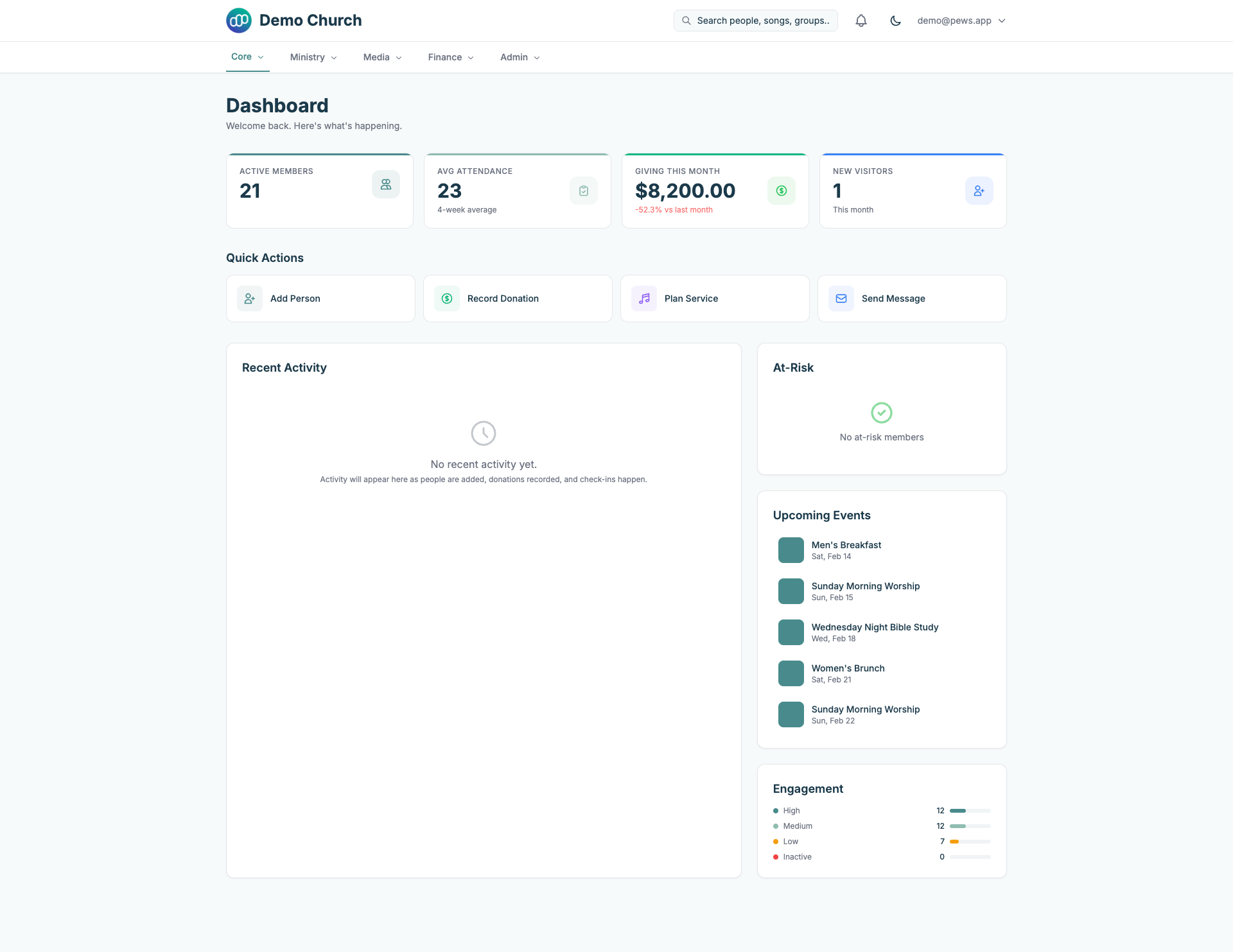
Tags, status tracking, and engagement scoring turn a static directory into an active pastoral care tool.
4. Service Planning That Connects to Everything
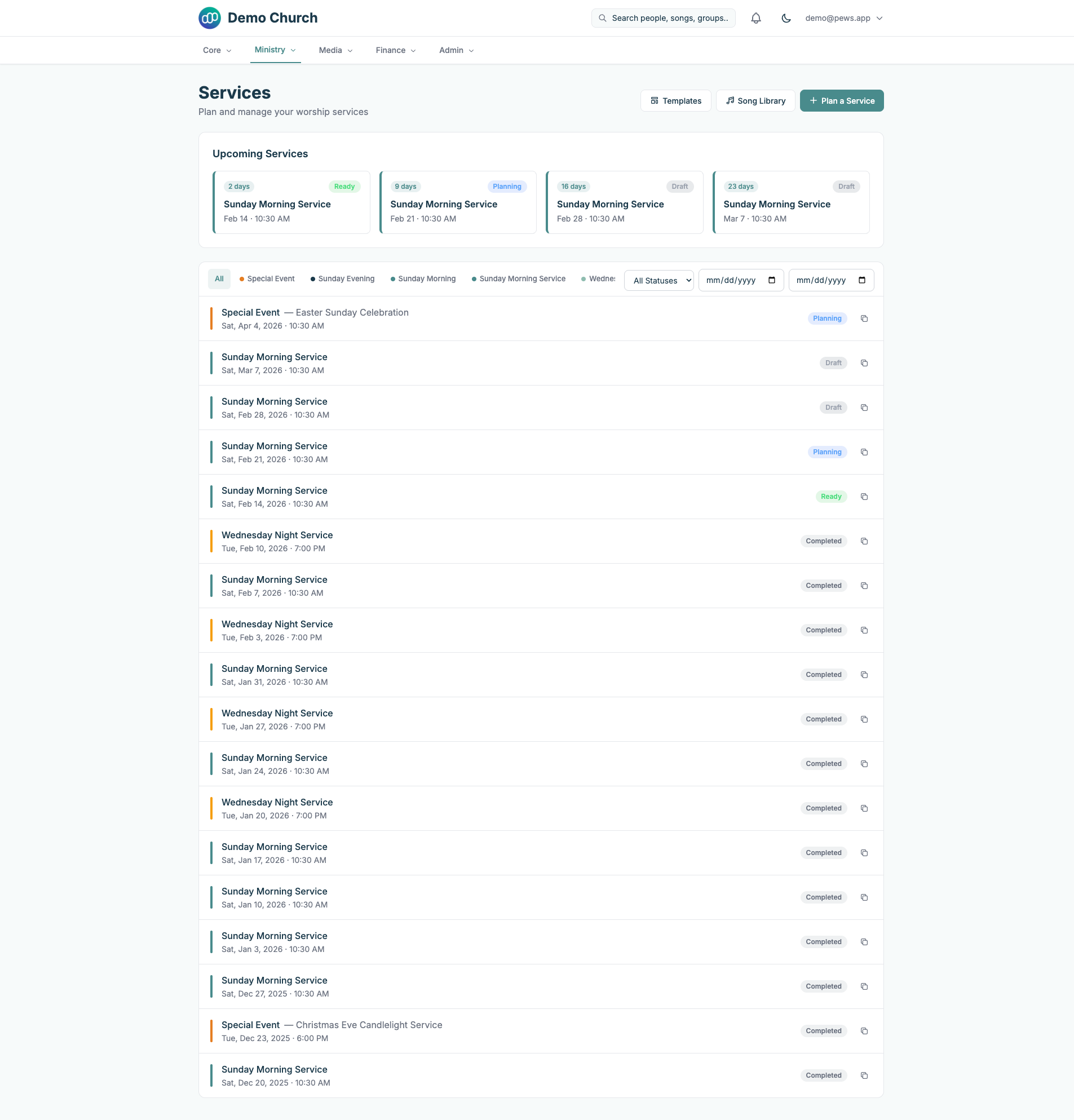
The worship team needs to know what songs they're playing. The tech team needs to know the service order. The volunteer coordinator needs to know who's serving. These aren't three separate problems.
5. Check-Ins for Children's Ministry
This isn't optional. Parents need to know their kids are safe. A proper check-in system with printed labels, authorized pickup lists, and allergy tracking is table stakes for any church over 50 members.
The Market Today
Here's the rough space as I see it:
- Planning Center ($99-1,466/mo): The gold standard. Full featured, well designed, expensive.
- Breeze ($72-$115/mo): Simpler, cheaper, but missing service planning and proper check-ins.
- Tithely (Free-$149/mo): Good giving platform, the ChMS features feel bolted on.
- Church Community Builder ($100+/mo): Enterprise-focused, complex, overkill for small churches.
The gap is clear: there's no modern, affordable, all-in-one platform built specifically for churches under 500 members. That's what I'm building with Pews.
What's Next
I'll be writing more about church technology, including close looks into specific modules, migration guides from other platforms, and honest comparisons with the existing options. If you're a church admin or pastor wrestling with these decisions, I'd love to hear what's working (and what isn't) for your church.
Check out the Pews demo at demo.pews.app if you want to see where this is headed.
Lessons Learned
- Hidden costs matter more than sticker price. 10 hours/week of manual data entry dwarfs a $100/month subscription.
- Giving is the gateway feature. If you can only adopt one tool, make it online giving. Everything else follows.
- Simplicity beats features. Most churches use 30-40% of their software's capabilities. Build for that 40%.
- Data portability builds trust. Churches are (rightly) skeptical of vendor lock-in. Make it easy to leave.
- Talk to the admin, not the pastor. The person buying the software isn't always the person using it.
Keep Reading
Why I Built a $100/Month Planning Center Alternative
Small churches deserve real management software without the $200/month price tag. So I built one.

Church Management Software in 2026: An Honest Comparison
An honest look at Planning Center, Breeze, Tithely, and the newer options. Which church management platform actually fits your church?